
- Log into your account.
- Click ‘Candidates’ in the green menu bar.
- Select ‘Create’ from the available options.
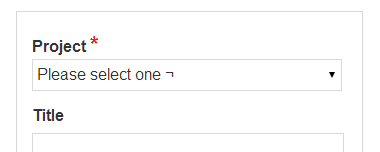
- Select the project you wish to add them to from the drop-down menu and enter the candidate's details.
- Click ‘Save’. This will automatically send an email to the candidate, inviting them to complete the test(s) on the selected Project.
Comments
0 comments
Article is closed for comments.